General Features
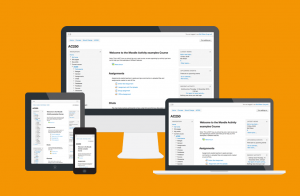
Modern, easy to use interface
Designed to be responsive and accessible, the Moodle interface is easy to navigate on both desktop and mobile devices.
View demo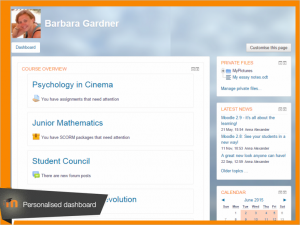
Personalized Dashboard
Organised and display courses the way you want, and view at a glance current tasks and messages.
Dashboard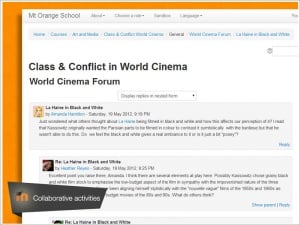
Collaborative tools and activities
Work and learn together in forums, wikis, glossaries, database activities, and much more.
Activities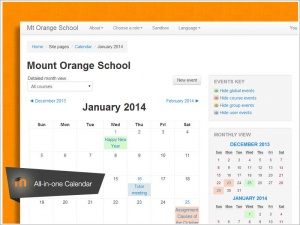
All-in-one calendar
Moodle’s calendar tool helps you keep track of your academic or company calendar, course deadlines, group meetings, and other personal events.
Calendar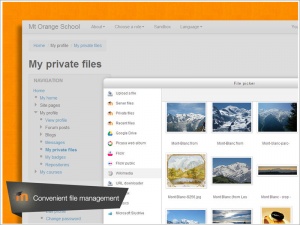
Convenient file management
Drag and drop files from cloud storage services including MS OneDrive, Dropbox and Google Drive.
Working with files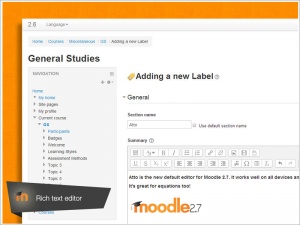
Simple and intuitive text editor
Format text and conveniently add media and images with an editor that works across all web browsers and devices.
Text editor


No comments:
Post a Comment